Ollama vs LM Studio: Which Fits a Local LLM Better?
Comparing CLI-centric Ollama and GUI-centric LM Studio on install difficulty, performance, and use case.
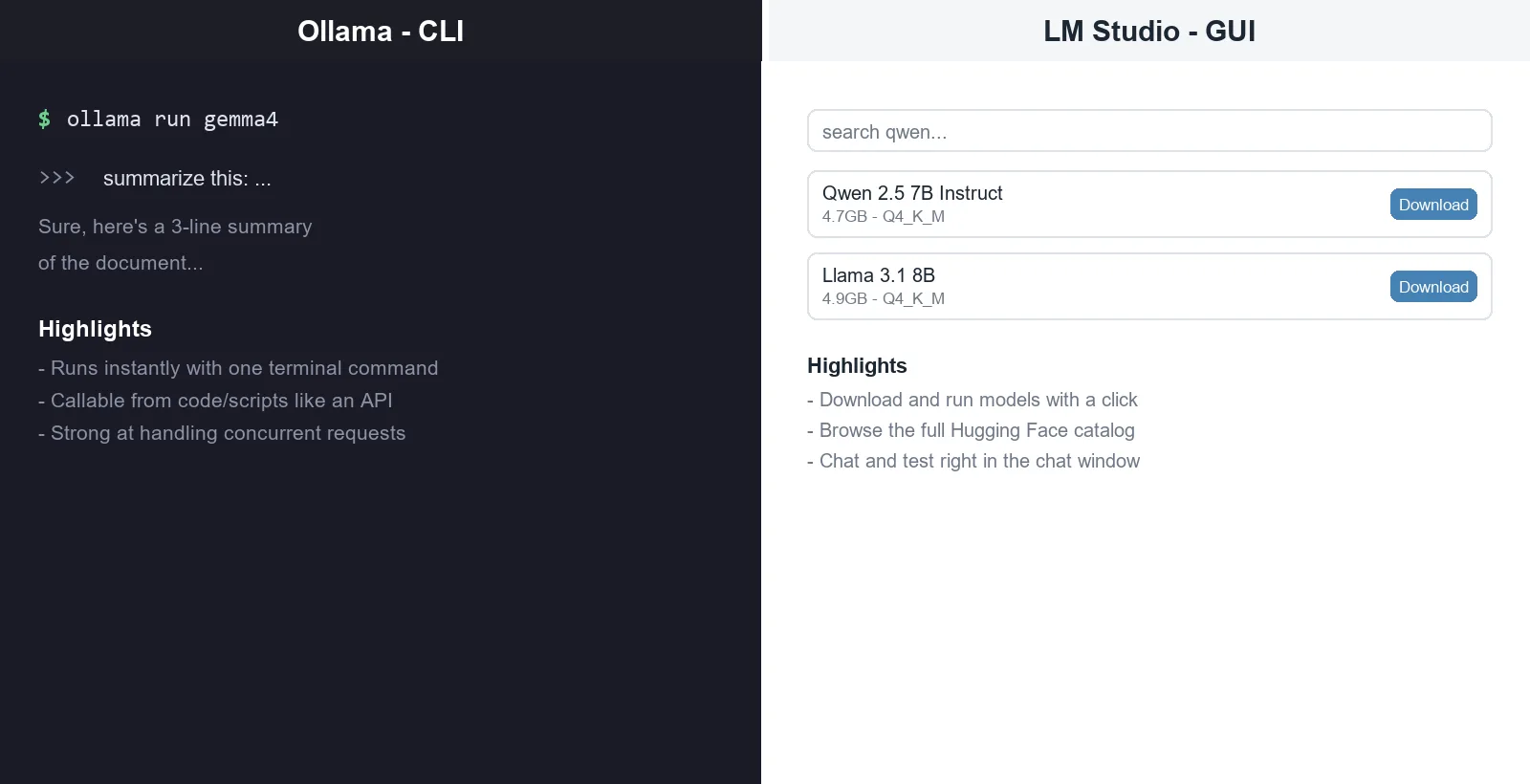
Ollama and LM Studio are both free tools that let you run a Local LLM on your own computer, but they take opposite approaches. Ollama is a CLI-centric tool that quickly pulls and runs models via terminal commands, while LM Studio is a GUI-centric tool where you manage models with a few clicks.
Installation and basic use
Installing Ollama (quoted from the official GitHub docs):
# macOS / Linux
curl -fsSL https://ollama.com/install.sh | sh
# Windows
irm https://ollama.com/install.ps1 | iexAfter installing, one command downloads a model and you can start chatting right away.
ollama run gemma4LM Studio works the other way around — install the program, then search for and download models and open a chat window right in the GUI. For details, see How to Use LM Studio.
Comparison table
| Ollama | LM Studio | |
|---|---|---|
| Interface | CLI (command line) centric | GUI (graphical screen) centric |
| Getting started | Faster if you’re comfortable in a terminal | Usable with zero command-line knowledge |
| Model catalog | Its own curated library (pre-tested, pre-quantized models) | Connects directly to Hugging Face, far broader model access |
| Concurrent requests | Strong at serving multiple requests at once | Server processes requests more sequentially (relatively weaker at concurrency) |
| Docker/server deployment | Official Docker image available (NVIDIA/AMD GPU support) | Supports headless server mode, but its Docker image is still in preview |
| Good fit for | Developers wiring local AI directly into code | Users who want to visually browse and test models |
Performance differences
Several comparison outlets commonly point out the following tendencies:
- On NVIDIA GPUs, Ollama is generally reported to be faster due to lower overhead.
- On Apple Silicon (M-series chips), some analyses find LM Studio performs comparably or better than Ollama thanks to MLX optimization.
- These performance comparisons shift often as the tools update, so it’s best not to treat a benchmark from any one point in time as an absolute standard.
Which tool fits which situation
| Situation | Recommendation |
|---|---|
| Want to call a local model like an API from code/scripts | Ollama |
| Want to try a model right away without the command line | LM Studio |
| Want to broadly explore open-source models (all of Hugging Face) | LM Studio |
| Need to deploy on a server and handle many concurrent requests | Ollama |
| Need both | Installing both and switching by situation is common too |
Limitations and caveats
- Both tools update quickly, so the feature/performance comparisons here are a snapshot as of August 22, 2026. It’s safer to check the latest information before actually choosing.
- Performance differences can vary a lot depending on the hardware used (GPU type, Apple Silicon or not, etc.), so the generalizations here may not hold in every environment.
Conclusion
Ollama and LM Studio are easiest to understand as “handle it through code, or handle it through a screen.” Developers wiring a local model into an automation pipeline will find Ollama more natural, while users unfamiliar with AI who want to comfortably explore models will find LM Studio the more natural choice.